← Back to homeOllo SDK Docs | 1:40 PM
// Quickstart
The Ollo SDK follows one simple flow:
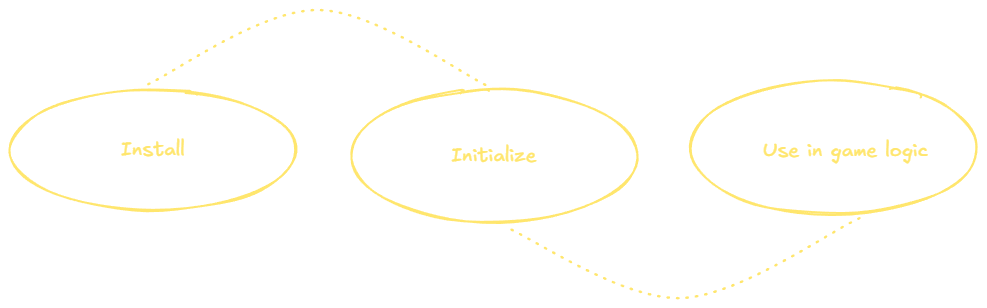
Everything runs locally and requires no calibration.
/01
Install
-
Create a developer account: Grants access to builds for Unity, Unreal, Godot and native C++.
-
Download the SDK for your engine: Once you sign up, you'll get direct engine-specific download links in your dashboard. Each build includes headers, binaries and a tiny example scene.
-
Sign in from your editor: Press Sign in in Ollo's panel, check that your browser shows the same code, and approve it. There is no license file to copy, and your first sign-in starts a 14-day trial. See SDK Activation.
/02
Using Ollo in Your Game
- Open the example project included in the SDK. Everything is already set up.
- Ollo automatically detects supported cameras and loads the runtime
- Blink and attention events stream directly into your game loop
- Feed those signals into:
- Animation graphs
- AI state machines
- Tension curves (e.g. horror pacing loops)
- Atmosphere / pacing logic
- "player presence" mechanics
All processing runs locally with minimal runtime overhead. Designed to fit naturally into real-time gameplay systems.